

Hi, 👋 I'm Alex, the creator of Design Buddy. I'm constantly building and improving across Figma, Adobe Express, and Canva. Got feedback? I'd love to hear from you at hi@designbuddy.net.
Color contrast is now calculated using the standard WCAG formula — not estimated by AI. Design Buddy works out exactly which colors are sitting behind each text element (which isn't always obvious in a complex design), then runs the calculation. The result is a precise contrast ratio, not an approximation.
This matters for accessibility because the margin is small. A contrast ratio of 4.4:1 fails WCAG AA. A 4.5:1 passes. That's not a call worth leaving to interpretation.
Available now in the Figma plugin and the Adobe Express add-on. Canva coming soon.
Starting today, Design Buddy runs on an upgraded AI model. You should notice more precise, better-reasoned feedback, particularly in how nuances are described and how recommendations are prioritized.
Behind the scenes, I continuously test across the leading AI providers and their latest models to evaluate which one delivers the best design review quality at any given time. I switch when the evidence points to something better, so the underlying model may change periodically. Always in the direction of improvement.
No changes to how you use it. Just better reviews.
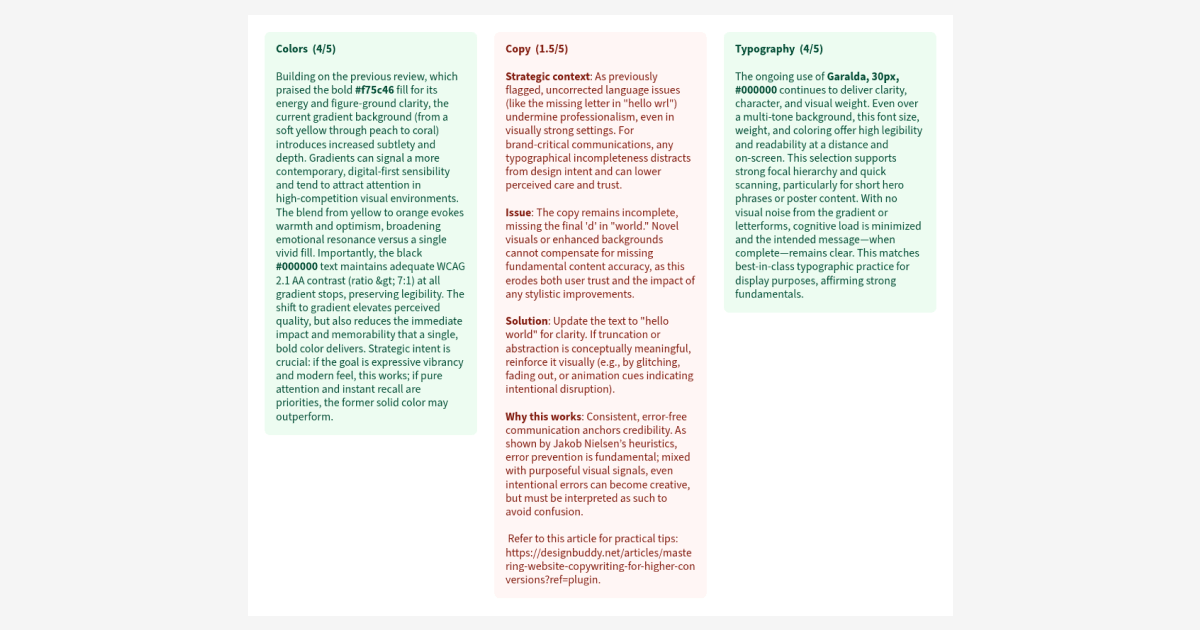
After reviewing your design, you can now save the feedback directly to your document as a set of color-coded cards, one for each category.
Each card shows the category title, score, and feedback — all laid out on a dedicated "Design Buddy Review" page that gets created automatically. Green for strong areas, orange for things to watch, red for what needs the most attention.
It's great for sharing feedback with a team, keeping notes across sessions, or just having a record of what to work on next. Hit "Save to page" from the review screen and it's done.
The Canva app now includes the custom context field announced last month. You can provide additional context or focus areas before requesting a review — for example, "focus on typography and color contrast" — and the AI will weigh your input throughout the analysis. The field is optional; leaving it empty keeps the review flow exactly as before.
I've also updated the credit counter language to be clearer. On paid plans it now shows "Use 1 of 5 credits" instead of the previous "5/10 reviews" style. Unlimited plan users no longer see a counter at all.
Design Buddy is moving to a single unlimited plan. No more quotas, no more rationing reviews or waiting for your cycle to reset.
The idea is simple: a design assistant is only useful if it's actually there when you need it — before the presentation, before you share it, before someone else points out what you missed. Putting a cap on that defeats the purpose.
Pricing is $12/month or $99/year (save 30%), with a 7-day free trial on both.
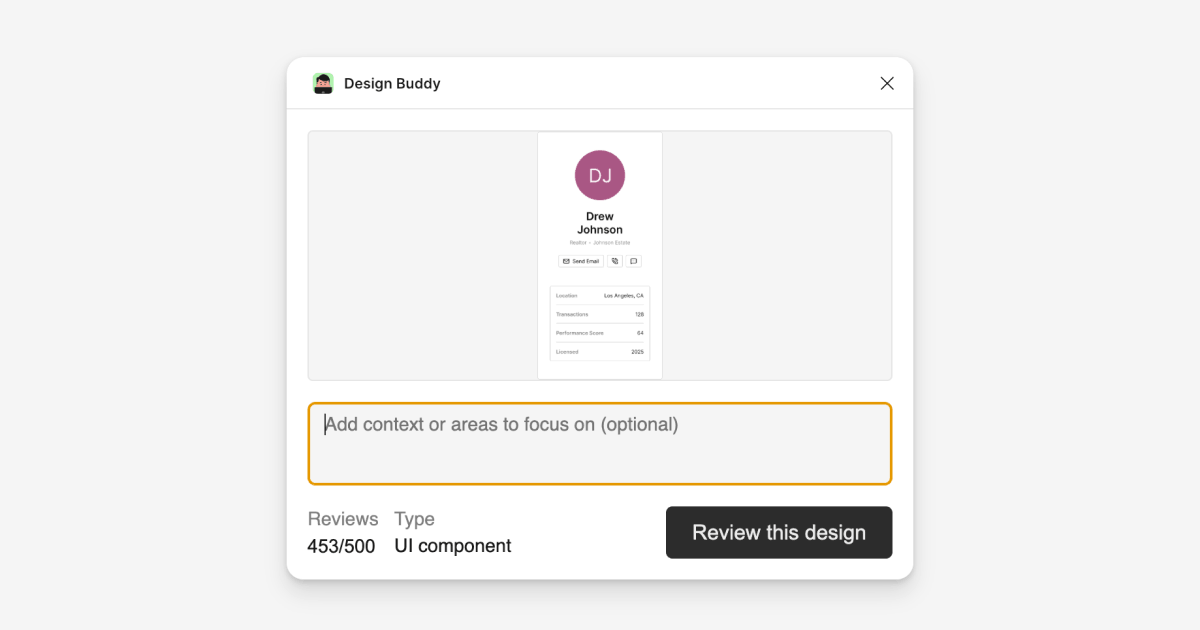
Design Buddy now lets you guide each review with custom prompts. Add context about your design goals, constraints, target audience, or specify which aspects you want prioritized, like "focus on accessibility and mobile usability" or "this is for a luxury brand targeting 25-35 year olds."
The AI weighs your input throughout the analysis, prioritizing relevant categories and tailoring recommendations to your specific needs. Currently available in the Figma plugin and the Adobe Express add-on. Canva app update is coming soon.
Design Buddy now delivers consultant-level analysis backed by psychology research and design principles. Every review includes specific implementation values (exact pixels, hex codes, timing), real-world examples from industry leaders like Stripe, Apple, and Material Design, and quantified business impact—expect metrics like conversion improvements and error reduction percentages, not vague suggestions.
The system intelligently adapts evaluation criteria to match your design type, whether you're reviewing a UI wireframe, social media post, or logo. Behind the scenes, I've rebuilt the analysis engine to be 70% more efficient while providing significantly deeper, more actionable insights.
The Canva app now includes the design type selector, giving you precise control over how your designs are evaluated. Design Buddy also delivers conversational feedback by remembering previous reviews, creating a more natural back-and-forth experience as you iterate on your designs.
Behind the scenes, I've enhanced the design analysis method to capture richer information from your Canva projects (currently works best with single-page designs due to platform limitations). The interface has also been polished with improved layout and clearer messaging throughout.
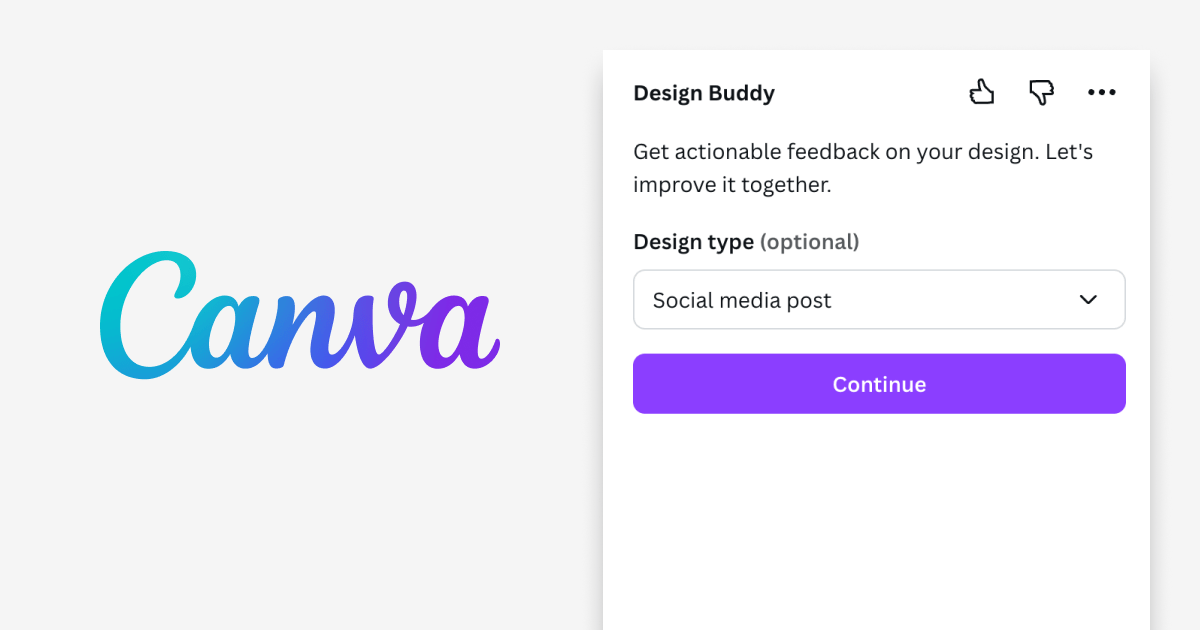
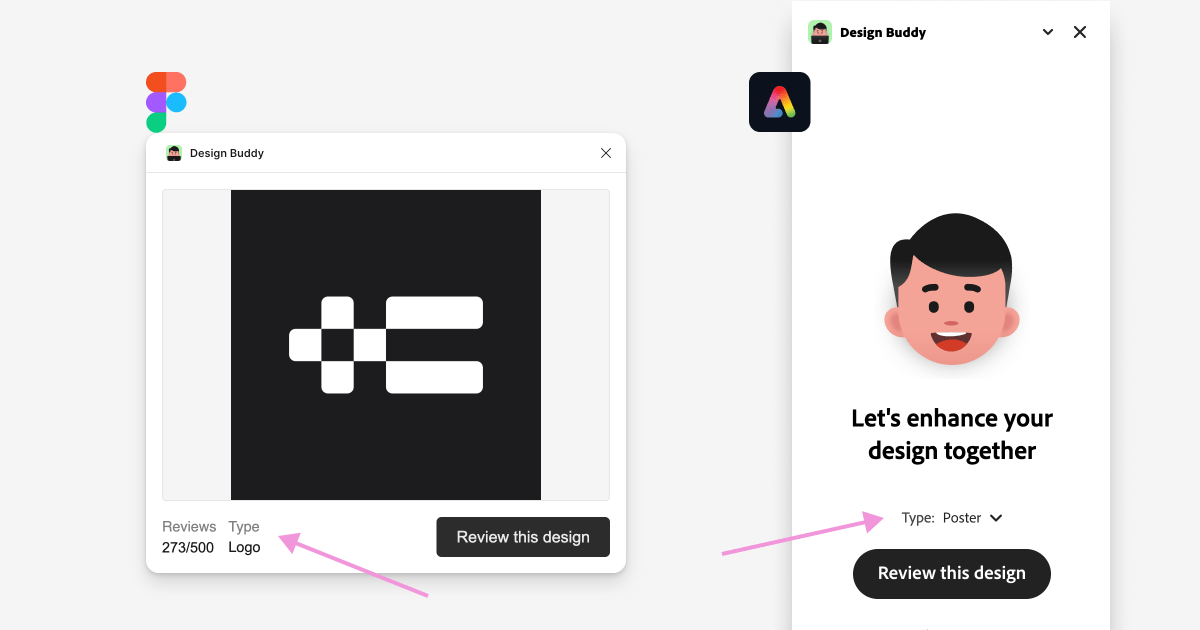
A highly requested feature is here. You can now select the design type directly from a dropdown menu. This allows you to specify how Design Buddy should evaluate your design, ensuring more accurate assessments. While Design Buddy automatically identifies design types, this feature offers precize control over the review focus. Currently available in the plugin for Figma and the add-on for Adobe Express, with the Canva app under review.
Design Buddy's feedback quality depends on how well it understands your design. I've significantly improved the proprietary method that analyzes design structure, elements, and properties. The feedback quality has reached a level I'm satisfied with. While it still makes occasional mistakes, it's substantially more accurate than before.
This enhanced understanding is now available in Figma and Adobe Express, with Canva coming soon.
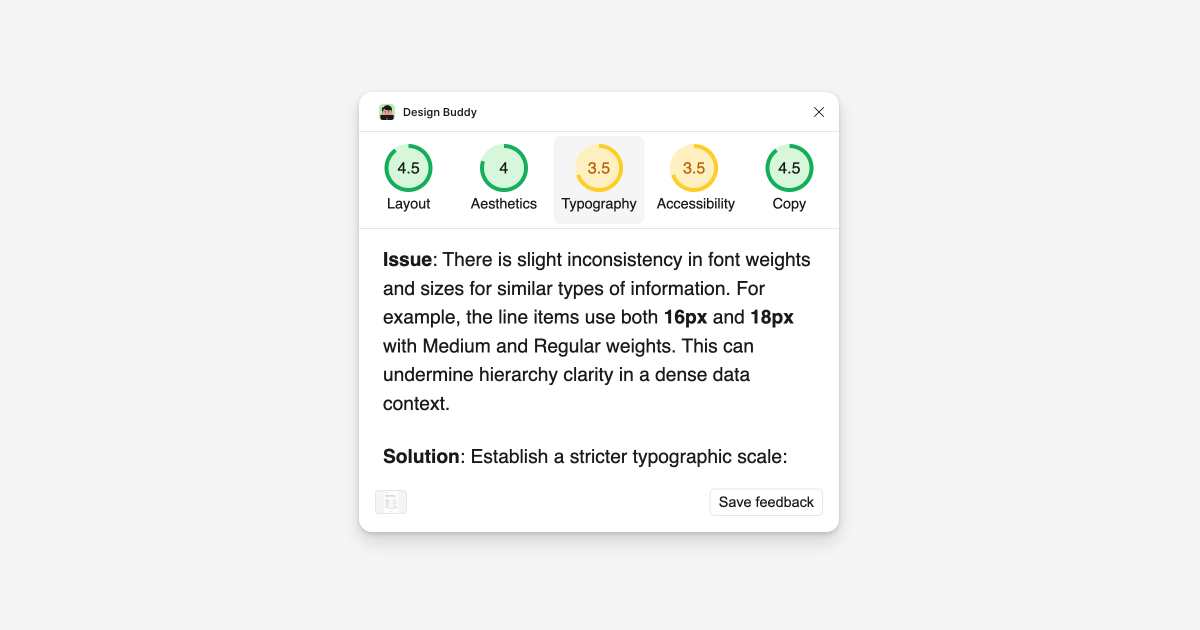
Design Buddy is now available as an app for Canva! The beta version is live, with core features ready to use. Conversational reviews and more features are coming soon. This launch expands Design Buddy's reach, making it a helpful assistant across even more design platforms.

The quality of feedback has been massively improved, and Design Buddy now provides more detailed insights. An improvement suggestion is now organized into two clear sections: Issue and Solution. This structured approach delivers more focused and actionable feedback.
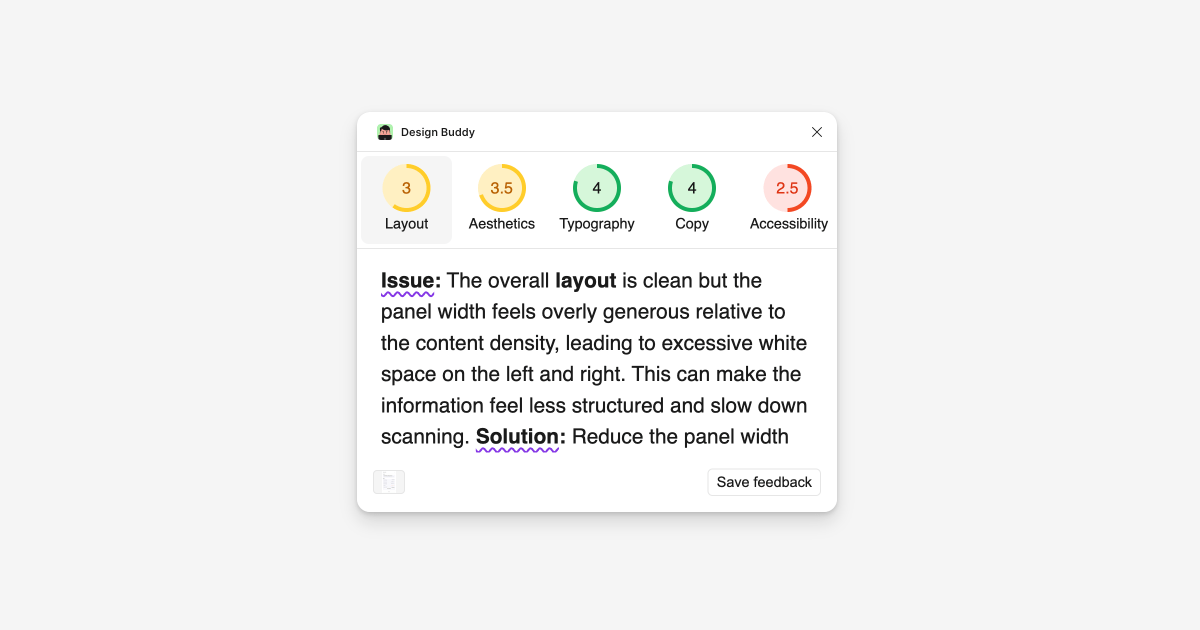
The Adobe Express add-on now delivers feedback incrementally, with reviews streaming category by category. This significantly reduces initial wait times, allowing you to start reviewing feedback immediately.
I've also enhanced the recognition capabilities for text properties, providing more accurate assessments of size, font family, color, and other typographic elements.
Review now appears incrementally by category, eliminating the wait to start reading. This long-overdue UX improvement means you get actionable feedback faster than ever. Available now in Figma, coming soon to Adobe Express.
Design Buddy has improved perception of design hierarchy and element properties in Adobe Express. You'll notice sharper feedback on text, sizes, and colors. There is also improved continuity. The add-on now picks up where you left off in later reviews, even after restarting.
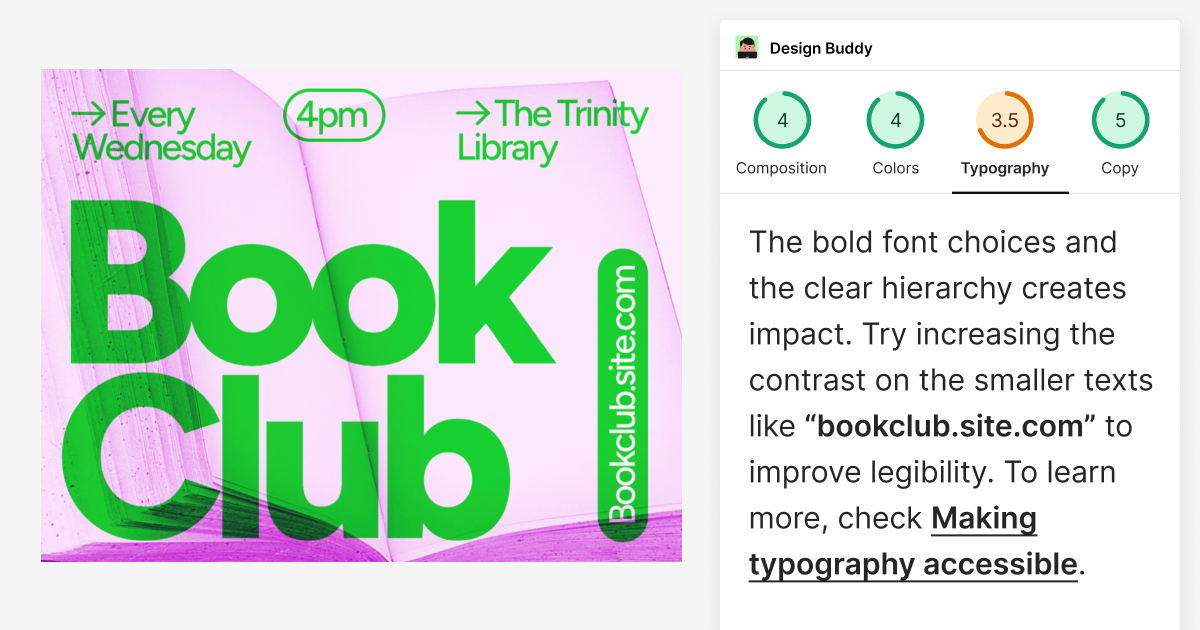
Improved awareness of hierarchy, elements and their properties. More precize feedback on fonts, sizes, colors, and ability to reference elements by name. The feedback is adaptive, focusing on general aspects for larger selections and precize details for smaller ones. This feature is currently available to all Figma users, coming soon to Adobe Express.
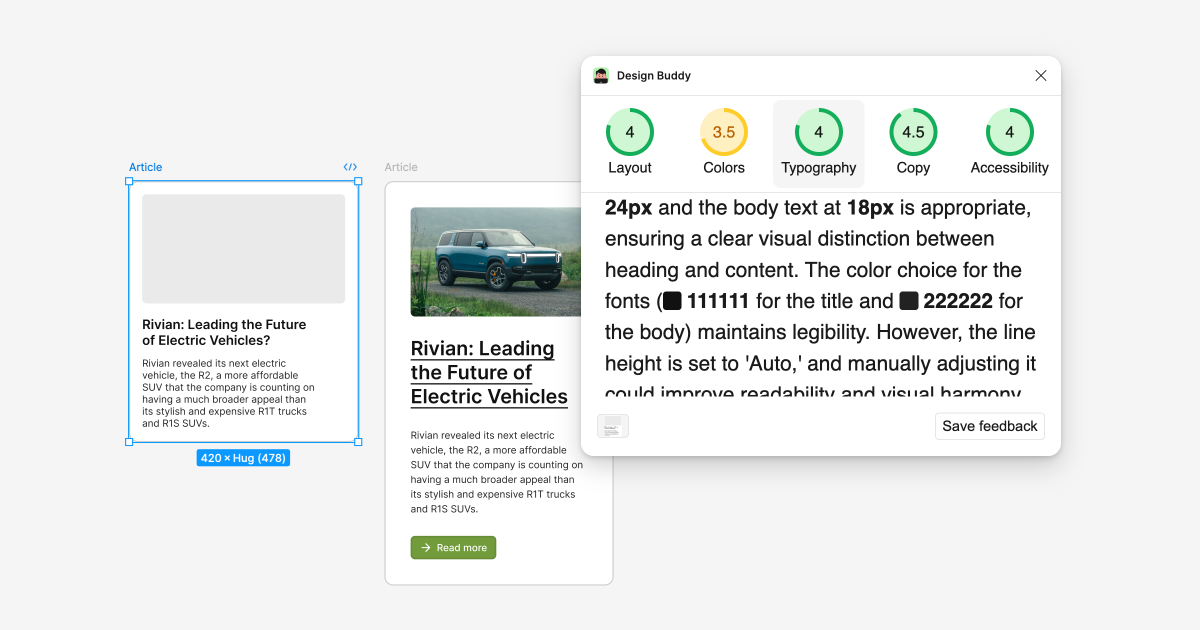
Significant update to broaden the capabilities and enhance the quality of feedback across various design types:
- The evaluation guidelines for each design type have been refined to ensure more targeted and pertinent reviews.
- Illustration and collage designs now receive dedicated feedback.
- New feedback categories for logos and app icons focusing on scalability and recognizability.
- "Color" feedback category is replaced with "Aesthetics", covering overall visual appeal, color palette, use of space, and consistency. Color assessment is now a part of this broader category.
- The design reviews now include more detailed explanations and examples, guiding you through a clearer and more organized review process.
These updates aim to provide you with more comprehensive and design-specific feedback, helping you refine your work across a broader range of design types.
Several key improvements have been made to enhance your design review experience in Figma:
- Fresh start for copied elements: Copied designs now begin a new review process, ensuring each iteration receives a tailored assessment.
- Simplified feedback viewing: The visual change comparison feature has been removed. Now, existing feedback remains visible even after design changes, allowing you to reference previous suggestions while iterating.
- New "Re-review" button: To evaluate your latest changes, simply click the new "Re-review" button for an updated assessment.
- UI3 style alignment: The tabs design has been updated to match Figma's latest UI3 style, providing a more cohesive and familiar interface.
These updates aim to streamline your workflow and provide more flexibility in how you interact with Design Buddy's feedback.
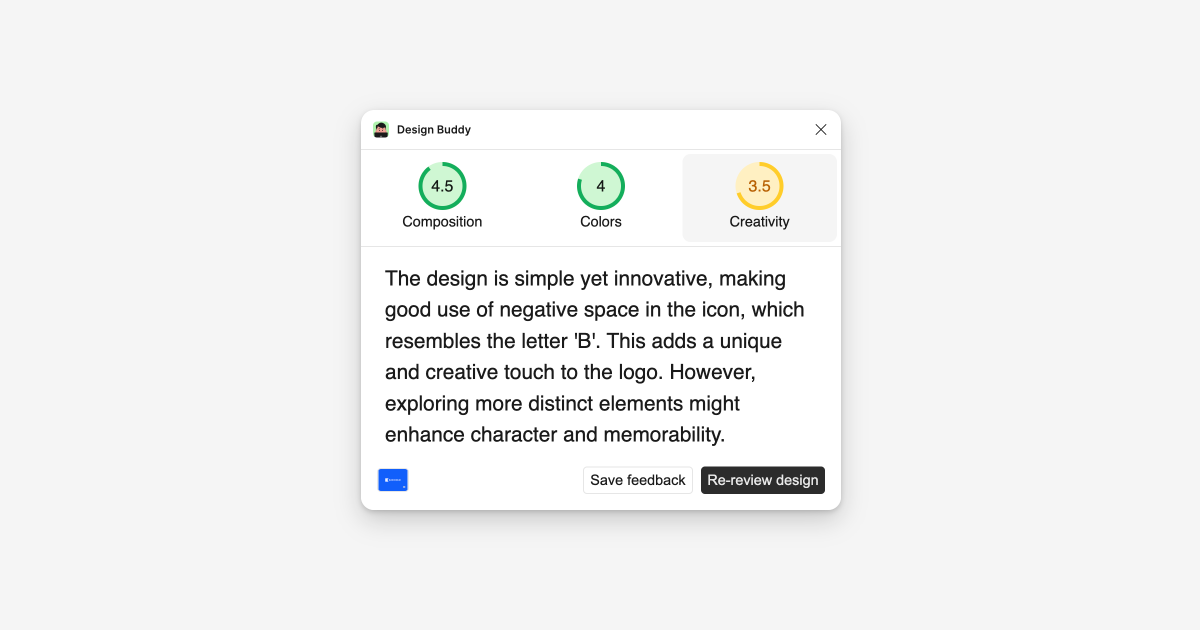
Design Buddy now goes beyond providing feedback in the plugin by offering links to in-depth articles on tips and techniques for the reviewed design type. This addition transforms Design Buddy into an even more valuable resource, especially for beginner designers looking to expand their knowledge. Each review now includes a carefully curated link, allowing users to dive deeper into design principles and best practices relevant to their specific project.

Design Buddy is now available as an add-on for Adobe Express. It includes all existing features and expanded feedback for flyers, banners, and social posts. This makes Design Buddy a versatile assistant across various design platforms and project types.
OpenAI has released GPT-4o, which is faster and more cost-effective. In response, Design Buddy has updated its pricing with lower rates, and reviews for all users are now significantly faster. Active users of the 'Starter pack' plan are also upgraded to 'Regular route'.
New "pro" feature. Click the preview box to select the design type directly from a dropdown. This option allows you to specify how Design Buddy should evaluate your design, ensuring more accurate assessments. While Design Buddy automatically identifies design types, this feature offers precize control over the review focus.
Design Buddy now identifies if your selected design is a web app UI, mobile app UI, UI component, website, UI wireframe, illustration, logo, or an app icon and adjusts its feedback to fit each type more accurately.
Now, when you want to review changes made to a design, hovering over the preview screen activates a compare/split view. This allows you to see the before and after modifications directly, making it easier to decide on requesting a new review.
Now, Design Buddy performs visual 'before' and 'after' comparisons for each subsequent review, moving beyond the previous method that compared existing text feedback with the modified design. This enhancement offers a more accurate and in-depth analysis of each design adjustment, significantly improving the review process and feedback quality.
Maximum allowed selection size has been increased from 2000x2000 to 1920x6000, accommodating the dimensions of an average website landing page design. The original limit was set to improve the quality of review feedback by focusing on smaller areas. This update is intended to make it easier for users to review a whole website page in one go.
Made the loading experience better by animating the ellipsis (...) while the design review is happening. Fixed a bug where the plugin still worked with a removed, but cached API key, until it was closed. Changed, saving a review in Figma to create sticky note as a Group instead of a Frame - making it easier to select and move. Also tackled some minor interface issues.
Big updates to UX: review in progress won't stop if you click somewhere else, a feature many asked for. Cached reviews show up right away, without extra clicks, complete with a small thumbnail of the reviewed design, for easy navigation to the right place on the canvas.
Feedback accuracy on designs has significantly improved, especially for text in photos that was wrongly flagged for accessibility issues.
Now, there's a button to cancel a review in progress, and a notification pops up when a review is saved as a sticky note. The scroll in tab content resets when switching tabs.
Added a loading state until a design is prepared for a review. Added smart selection limits for better performance. Now there is a maximum allowed size of an area that you can select. Made necessary updates for Figma's latest plugin requirements.
Fixed a bug with saving a feedback as sticky note on nested elements and made minor cosmetic changes.
Conversational reviews are preserved even after closing the plugin, making it easy to continue where things were left off.
Now, review feedback can be saved directly on the canvas as a sticky note. Also fixed a minor issue with the 'Save feedback' button.
Design reviews now build on previous feedback, making the conversation more relevant and continuous.
Design Buddy is now operational in FigJam, besides Figma.
Upgraded the onboarding screen images to SVG for a cleaner look.
Added subtle animations to the plugin for a bit more flair.
The Settings now reflect your current activity cycle, updating daily based on the last 30 days of usage.
The start of our journey – Design Buddy is officially live! 🎉


