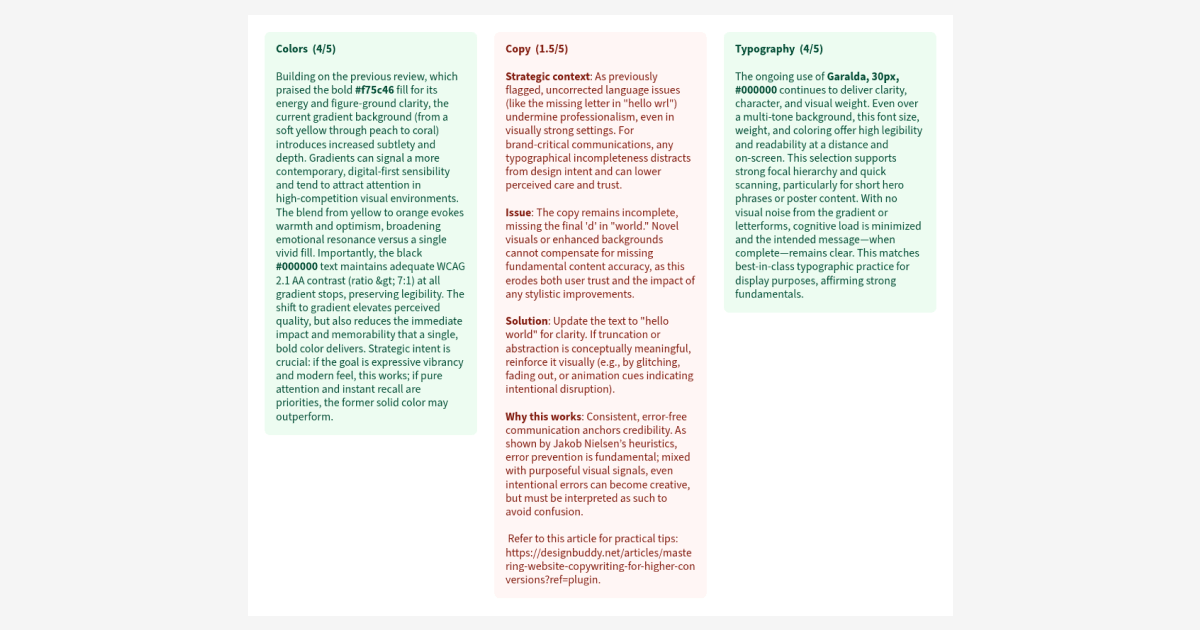
After reviewing your design, you can now save the feedback directly to your document as a set of color-coded cards, one for each category.
Each card shows the category title, score, and feedback — all laid out on a dedicated "Design Buddy Review" page that gets created automatically. Green for strong areas, orange for things to watch, red for what needs the most attention.
It's great for sharing feedback with a team, keeping notes across sessions, or just having a record of what to work on next. Hit "Save to page" from the review screen and it's done.